
The benefits of cloud printing
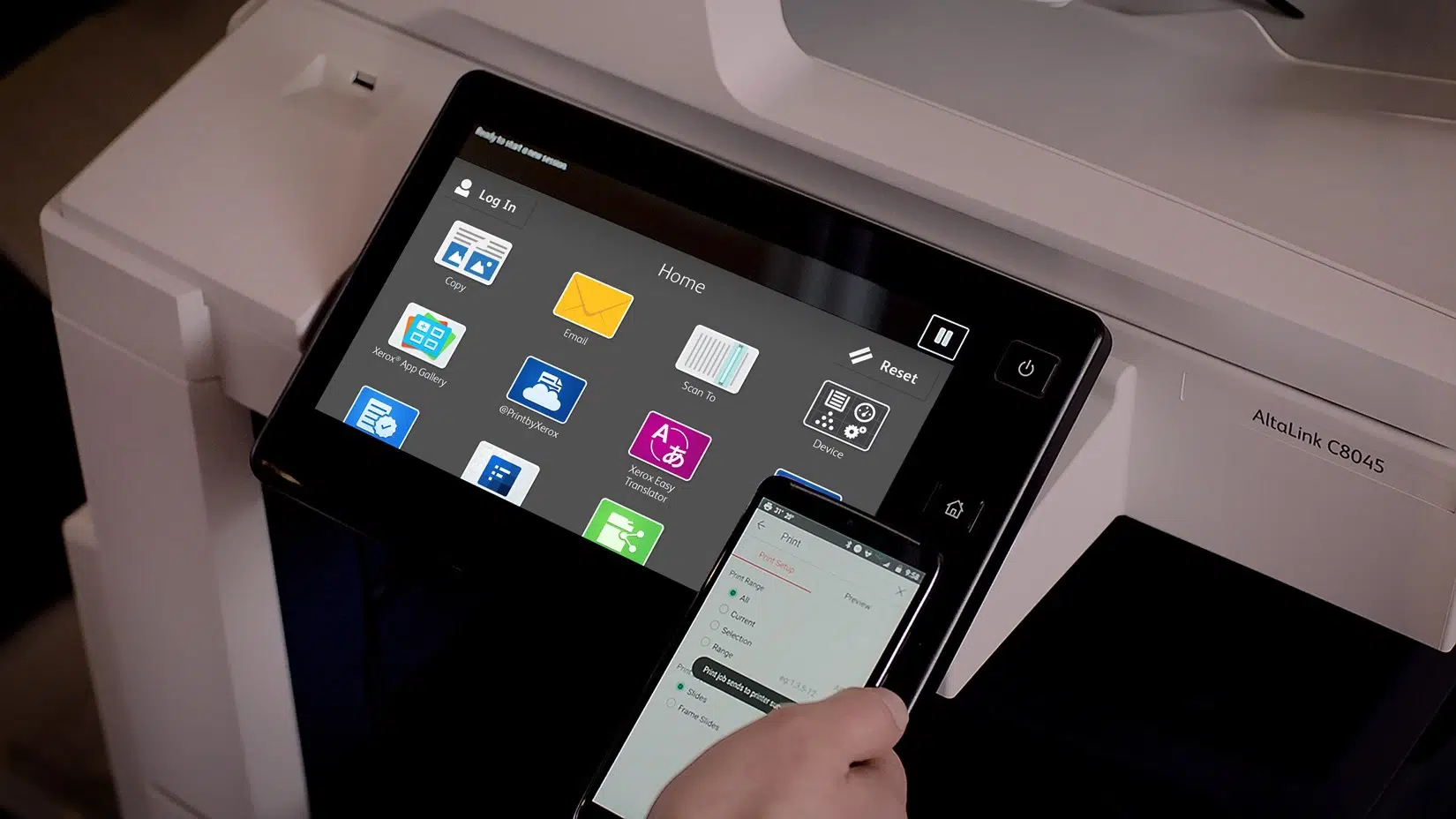
As the job market becomes increasingly digital, more and more remote workers are working in a hybrid mode and using more and more mobile devices to perform their tasks, but what about traditional printing? To get around this problem, there are now alternatives thanks to the cloud.
Cloud printing is a way to connect digital devices such as smartphones, laptops and tablets to multifunction printers through a cloud print server, which is very convenient for employees who are not always in the office.
The benefits of this solution include:
Printing in the cloud is more efficient and reliable
Traditional printing can sometimes lead to additional complications, such as problems with software drivers and compatibility, or even connectivity issues. Because cloud printing does not rely on software drivers that you have to manage separately, printing is more efficient and reliable.
Cloud printing offers better security
Printing via the cloud can provide enhanced security by integrating advanced security measures and centralized control over print authorizations. Companies can define security policies to restrict access to certain printers or document types, reducing the risk of sensitive information being leaked.
Cloud printing reduces costs
Thanks to the cloud, you can say goodbye to on-premises print servers and reduce your acquisition, maintenance and energy costs. Printing via the cloud also eliminates the need to install and maintain software and hardware, eliminating associated costs. You don’t have to purchase the printer software and hardware yourself, and the software is automatically kept up-to-date.
Cloud printing is accessible from anywhere
With cloud printing, printers can be accessed from anywhere in the world, as long as the device has an Internet connection. Whether you’re in the office, at home or on the road, you can send documents to print and retrieve them later. This can be especially convenient for companies with offices in different countries or for employees who travel frequently.
Cloud printing allows remote employees to print
As you probably know, it can sometimes be difficult for your remote employees to print within your company without making specific preparations in advance.
Thanks to the cloud, it is now possible for guests to whom you want to grant access to print from their PC, smartphone or tablet with the greatest of ease.
This reduces the workload for the company’s IT department, which no longer has to configure a printer driver for a freelancer who only works in your offices temporarily.
Cloud printing makes installation and maintenance easier
Moving the management of printing software and hardware to the cloud makes complex tasks such as installation, configuration and updates easier and less expensive. Moreover, printing can also be outsourced instead of allocating resources to IT and print infrastructures.
This allows IT teams to focus on more strategic aspects instead of spending time on tedious maintenance tasks.
Printing in the cloud is better for the environment
Less hardware means less energy consumption and less electronic waste in the long run. Printing via the cloud even reduces your company’s carbon emissions because you don’t use your own servers, and by using shared resources via the cloud, you help minimize the environmental impact associated with printing.
Additionally, setting up managed print services is an excellent way to ensure that your business is making the best use of toner, ink and paper.
Cloud printing evolves with your needs
Cloud-based printing offers a flexible solution that can grow with your company’s growing printing needs. You can increase or decrease print capacity as demand increases without having to invest in expensive new equipment or worry about replacing or upgrading physical hardware, making it easier to adapt to changes in your business.
Cloud printing and platform-independent support
Cloud printing is designed to be compatible with different platforms and operating systems, meaning users can print from Windows, macOS, Android, iOS devices and other environments.
Thanks to the cloud, no more headaches or compatibility issues, your employees can choose the medium they are most comfortable working on without worrying about potential printing issues.
Cloud printing offers flexibility and centralized management
Cloud printing makes it easy to share print resources between multiple users and devices, which is especially useful in office environments where multiple colleagues need access to a single printer. In addition, it enables centralized monitoring of all your printers. This simplifies monitoring, management of consumables and all technical interventions within your printer fleet, from one user-friendly interface.
Frequently asked questions
Does cloud printing work without installing printer drivers?
Yes, that’s one of its strengths. Traditional printing depends on software drivers that must be managed individually, a frequent source of compatibility or connectivity problems. Cloud printing doesn’t rely on these drivers: printing becomes more reliable and simpler, and the software is automatically kept up to date, with no action needed on your part.
Can an external or visiting colleague print easily?
Yes, and it’s a real time saver for the IT department. Without the cloud, letting a guest or a visiting freelancer print often requires specific configuration in advance. With cloud printing, you grant access to authorised guests, who can then print from their PC, smartphone or tablet without a driver having to be installed for temporary use.
From which devices and systems can you print?
Cloud printing is designed to be multiplatform: your teams can print from Windows, macOS, Android, iOS and other environments. Everyone works on the device they’re most comfortable with, without worrying about compatibility issues. It’s particularly suited to hybrid working environments combining office, home and mobility.
Does the solution adapt if my printing needs change?
Yes, cloud printing is scalable. You can increase or reduce printing capacity according to demand, without investing in costly new equipment or replacing physical hardware. This flexibility makes it easier to adapt to business growth, a one-off activity peak or the opening of a new site.
Is cloud printing more environmentally friendly than traditional printing?
It can be, indirectly. By removing on-site print servers and relying on shared resources, you reduce energy consumption and, over time, electronic waste. Combined with managed print services that optimise toner, ink and paper use, cloud printing helps reduce your fleet’s environmental footprint. Our D&O Partners experts help you implement this approach, across Belgium.