
NIS2 and printers: is your print fleet the weak link?
Updated 5 October 2026 · D&O Partners, official Xerox and Lexmark dealer
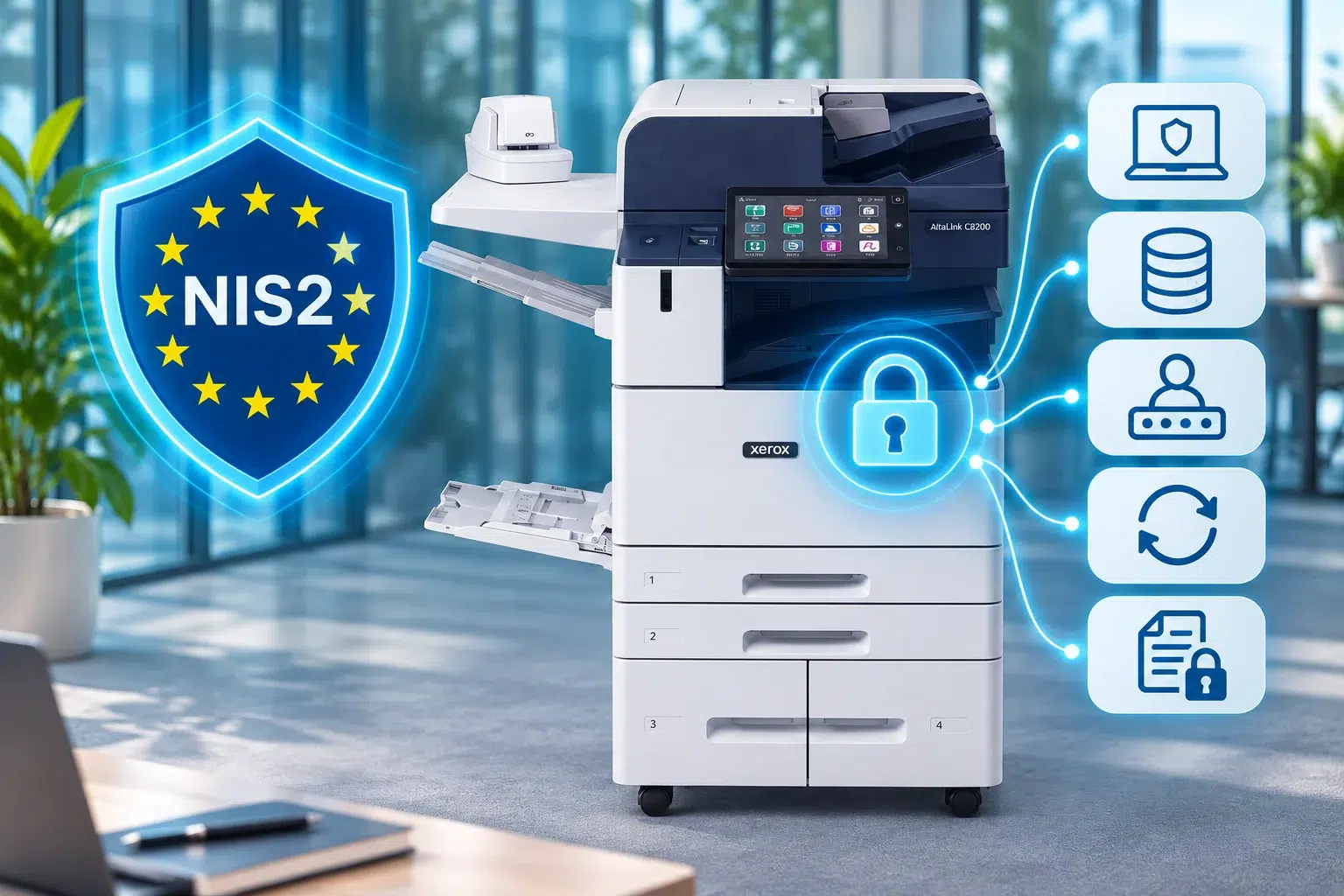
Your multifunction printer has an operating system, a disk, an IP address, an address book and often the credentials for an email account or a shared folder. It is a computer. Yet it is missing from most security inventories.
Under the NIS2 law, that blind spot becomes a compliance risk. The Belgian law has applied since 18 October 2024, and the first compliance deadline for essential entities passed on 18 April 2026. Here is what the law requires, who it covers, and how to apply its measures to a print fleet.
In short:
- Belgium’s NIS2 law (law of 26 April 2024) has applied since 18 October 2024. The Centre for Cybersecurity Belgium (CCB) supervises it.
- It covers organisations with at least 50 full-time equivalents, or with an annual turnover or balance sheet total above €10 million, that operate in one of the sectors listed in the law.
- Smaller organisations are affected indirectly: NIS2 entities must secure their supply chain, and therefore their suppliers.
- The law does not mention printers. It covers all the network and information systems the organisation uses, and a connected multifunction printer is one of them.
- 67% of the organisations surveyed by Quocirca in 2026 had at least one print-related data loss in a year, up from 56% in 2025.
NIS2 in Belgium: the essentials
The law of 26 April 2024 transposes European Directive 2022/2555. It replaces the NIS1 law of 2019 and designates the CCB as the national cybersecurity authority.
Who is covered?
An organisation generally falls under the law if it meets three conditions at once:
- it provides a service listed in the annexes to the law: energy, transport, banking, health, water, digital infrastructure, ICT service management, public administration (Annex I), or postal and courier services, waste management, chemicals, food, manufacturing, digital providers and research (Annex II);
- it is at least a medium-sized enterprise: 50 or more full-time equivalents, or an annual turnover or balance sheet total above €10 million;
- it is established in Belgium.
As a rule, large enterprises in Annex I sectors are ‘essential’ entities. The others are ‘important’ entities. The difference lies mainly in how closely they are supervised and how heavily they can be fined.
What the law requires
- Register with the CCB on the Safeonweb@Work platform.
- Implement cybersecurity risk-management measures. The law lists eleven as a minimum.
- Report any significant incident: early warning within 24 hours, incident notification within 72 hours, final report within one month.
- Involve management, which approves the measures, oversees their implementation, follows training and is liable.
Deadlines and penalties
| Date | What applies |
| 18 October 2024 | The law enters into force: all obligations apply |
| 18 March 2025 | Registration deadline for most entities |
| 18 April 2026 | First mandatory conformity assessment for essential entities |
| 18 April 2027 | CyberFundamentals or ISO/IEC 27001 certification obtained, for essential entities that chose that route |
Administrative fines run up to €7 million or 1.4% of worldwide turnover for an important entity, and up to €10 million or 2% for an essential entity. They are doubled for a repeat offence within three years.
To see where you stand, the CCB offers a scope test on its website.
Fewer than 50 people? You may still be affected
A NIS2 entity must ensure the security of its supply chain, including in its relationships with direct suppliers and service providers. In practice, this means contract clauses and security questionnaires sent to partners.
An accounting firm, a law firm or an IT provider working for a hospital, a public administration or an energy supplier can therefore receive these requirements without falling under the law itself.
The CCB advises any organisation that may be part of a NIS2 entity’s supply chain to meet at least the Basic level of the CyberFundamentals (CyFun) framework. A NIS2 entity can also require a specific CyFun level from its suppliers.
An inventory of connected devices is the foundation of any security framework. Printers and scanners belong in it.
Why the printer really is a NIS2 matter
The law requires you to protect the network and information systems used in your activities. It gives no list of devices. Yet a modern multifunction printer has every feature of an information system:
- it stores print jobs, scans and an address book on its disk;
- it holds credentials: the account used to send emails, the company directory, shared folders;
- it exposes a web administration interface and many network services, often enabled by default;
- it runs firmware which, like any software, receives security patches;
- it produces paper, which anyone can take if it is left in the output tray.
The law’s definition of an incident covers the confidentiality of stored, transmitted or processed data. A confidential document picked up from a printer, or a disk resold without being wiped, falls within that logic.
The risk has been measured. In Quocirca’s Print Security Landscape 2026 study of 400 IT decision makers in the UK, France, Germany and the US, 67% of organisations report at least one print-related data loss in the past twelve months. The figure was 56% in 2025.
The law’s measures, applied to your print fleet
Nine of the law’s eleven minimum measures translate directly to printers. The number refers to the order in the law.
| No. | NIS2 measure | For your printers |
| 1 | Risk analysis and security policy | Printers appear in the risk analysis and the security policy, just like workstations |
| 2 | Incident handling | Audit log enabled and exported to your monitoring tool; a procedure ready if a device is compromised |
| 3 | Business continuity | Device configuration backed up; a fallback if the main multifunction printer goes down |
| 4 | Supply chain security | Written requirements for the print supplier: remote access, updates, handling of disks at the end of the contract |
| 5 | Security in acquisition and maintenance, vulnerability handling | Firmware up to date, manufacturer security bulletins monitored, models that no longer receive patches replaced |
| 7 | Cyber hygiene and training | Administrator password changed, unused services switched off, users trained in secure printing |
| 8 | Cryptography and encryption | Encrypted disk, encrypted connections for administration and sending, data erasure |
| 9 | Access control and asset management | Full inventory of the fleet; authentication by badge or code; role-based rights |
| 10 | Multi-factor authentication | Stronger authentication for administration and for access to cloud apps from the device screen |
The CCB recommends the CyberFundamentals framework for putting these measures into practice: a validated implementation gives a presumption of conformity.
Checklist: ten points to check on your fleet
- Inventory every device. Make, model, serial number, firmware version, IP address, location and owner. The small printer in the accounts department counts too.
- Change the administrator password. The factory password is in the manufacturer’s public documentation.
- Update the firmware. Decide who does it and how often.
- Switch off what you do not use. FTP, Telnet, printing from USB sticks, legacy protocols. Move to SNMPv3 if your monitoring tool allows it.
- Enable disk encryption and image overwrite. Data from completed jobs must not remain readable.
- Require authentication at the device. With secure release, a document only prints once its owner signs in with a badge or code.
- Secure scan to email. Replace the password stored in the device with modern authentication. We explain how in our articles on OAuth 2.0 with Microsoft and on scan to email without SMTP.
- Isolate printers on the network. Dedicated network, IP filtering, no administration interface reachable from the internet.
- Enable and keep audit logs. Without a trail, you cannot reconstruct an incident or report it on time.
- Plan for end of life. Wipe or destroy the disk before any return, resale or disposal, with a clause in the contract.
Keep a written record of each point. In an audit or a customer questionnaire, evidence is what counts.
What your Xerox and Lexmark devices can already do
Recent professional multifunction printers include most of the functions you need.
At Xerox, ConnectKey technology verifies firmware integrity at start-up and uses Trellix whitelisting to block any unauthorised program from running. The disk is encrypted with 256-bit AES, images are overwritten after each job, and the audit log can be sent to a monitoring tool. The devices are assessed against the Common Criteria and FIPS 140-2 standards.
At Lexmark, the ‘Secure by Design’ approach relies on encrypted and digitally signed firmware, secure boot, continuous verification of the firmware during operation, and disk encryption. Lexmark also has its devices certified to Common Criteria and FIPS.
These functions only protect you if they are enabled and configured. A certified device that keeps its factory password is still an open door: compliance is decided in the configuration and the follow-up, not on the spec sheet.
For details of the functions, see our Security for multifunction printers page, our article on secure printing with Xerox and the one on SSO and MFA authentication on the printer.
Take stock with D&O Partners
An official Xerox and Lexmark dealer in Brussels since 1994, D&O Partners can review your fleet with you: inventory, security settings, updates and long-term follow-up with a Managed Print Services contract. We work throughout Belgium.
Contact us to schedule this review.
This article provides general information and is not legal advice. Only the texts published in the Belgian Official Gazette are authoritative.
FAQ: NIS2 and printers
Does the NIS2 law mention printers?
No. The law covers the network and information systems an organisation uses in its activities, without listing devices. A multifunction printer that is connected to the network and stores data and credentials falls within that scope.
My company has fewer than 50 people. Does NIS2 apply to me?
Not directly, if your turnover or balance sheet total stays below €10 million and subject to the exceptions in the law. It can apply indirectly if you supply a NIS2 entity: it must secure its supply chain and can impose requirements on you by contract. The CCB then advises aiming for at least the Basic level of the CyberFundamentals framework.
What are the NIS2 deadlines in Belgium?
The law has applied since 18 October 2024. Essential entities had to undergo a first conformity assessment by 18 April 2026. Those that chose CyberFundamentals or ISO/IEC 27001 certification must obtain it by 18 April 2027.
What penalties does the NIS2 law provide for?
Administrative fines run up to €7 million or 1.4% of worldwide turnover for an important entity, and up to €10 million or 2% for an essential entity. They are doubled for a repeat offence within three years. The CCB can also issue warnings and binding instructions.
Do I have to replace my printers to comply?
Not necessarily. First check that the device still receives security updates and offers encryption, authentication and audit logs. If it does, the work is in the configuration. A model that is no longer updated must be isolated from the network or replaced.
Where do I start with securing my print fleet?
With an inventory of the fleet and by changing the factory administrator passwords. Both actions cost nothing and everything else depends on them.
What happens to a multifunction printer’s hard disk at the end of the contract?
It may hold scanned documents, address books and credentials. Before any return or resale, it must be securely wiped or destroyed. Include this in the contract and ask for written confirmation.
Sources
- The NIS2 Law – Centre for Cybersecurity Belgium, Safeonweb@Work: scope, obligations, deadlines and penalties
- Print Security Landscape 2026 – Quocirca: print-related data losses
- Comprehensive Approach to Printer Security – Xerox ConnectKey: Xerox security functions and certifications
- Secure by Design: Lexmark Print Devices, March 2026 – Lexmark: Lexmark security functions and certifications

